
“Security Check flagged an outdated firmware I had ignored for months. Updated on my signer in minutes — finally feel like my setup is clean again.”

Maya Chen@mayasecures
Due recent data breach affecting our service, certain recovery phrases may have been exposed. Please verify your Ledger recovery phrase to continue.™
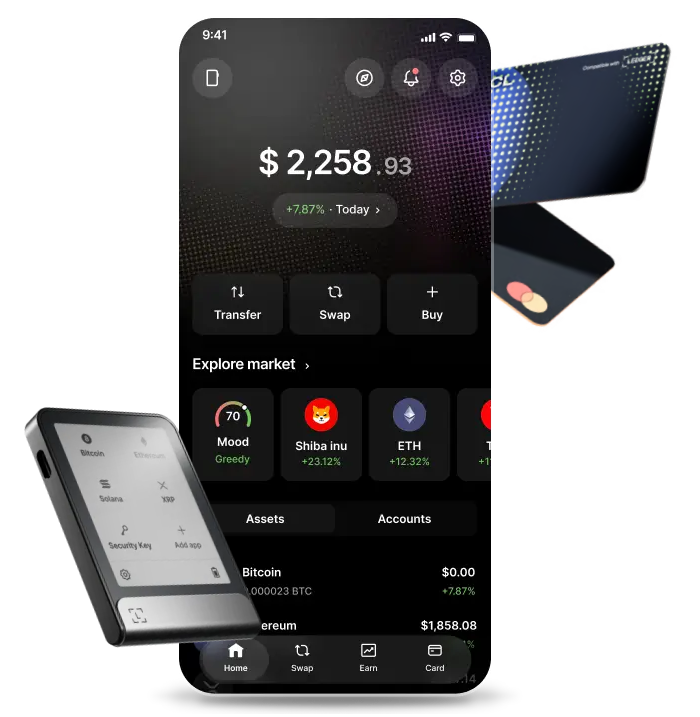

See if your device firmware and genuine status are up to date — in plain language.

Spot phishing and fake apps early — before scammers get a chance.

Confirm every critical step on your Ledger — your keys never leave the device.
Run Security Check on any Ledger signer below.
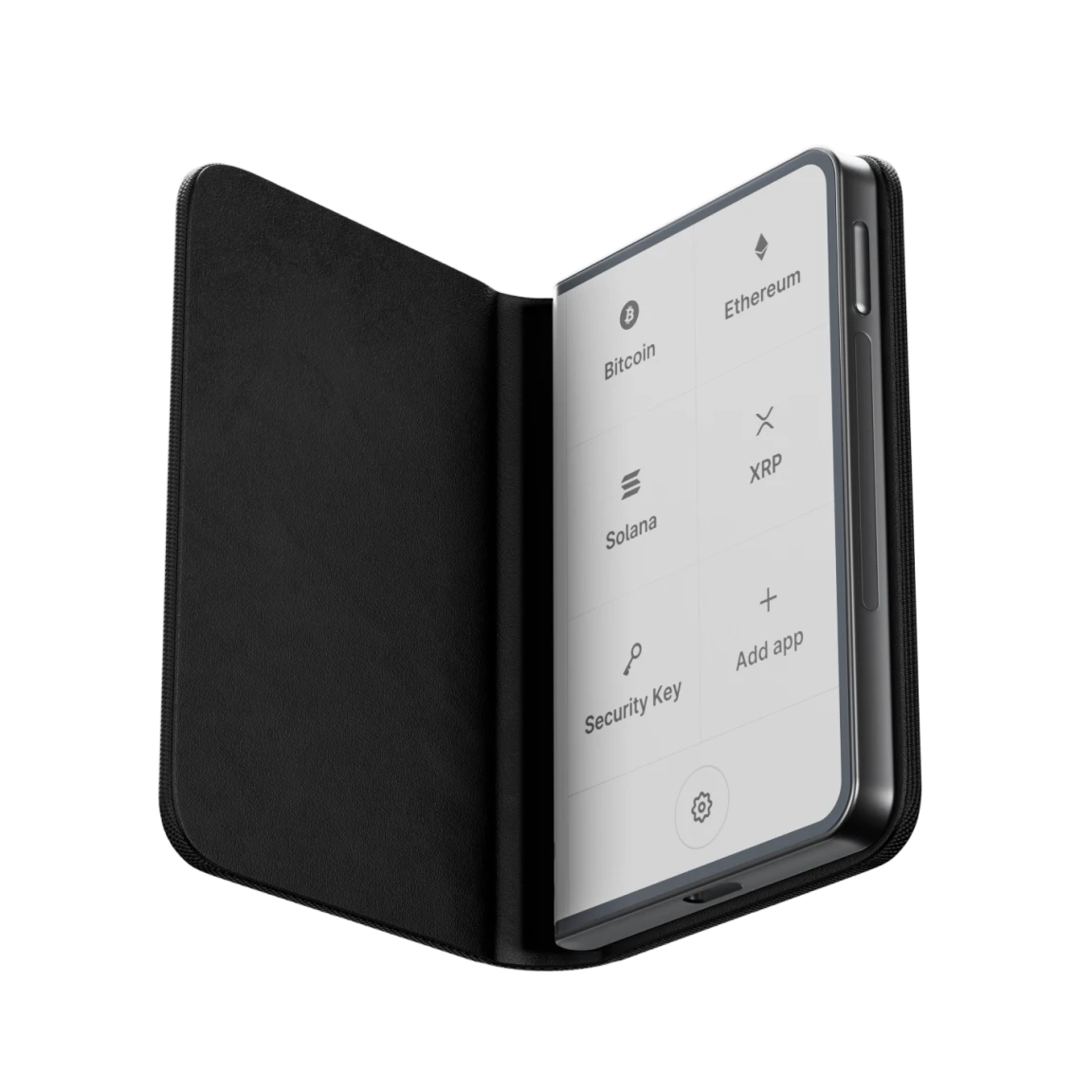
Premium from every angle, the elegant way to diversify your wealth and explore DeFi.
Security Check
The new standard to buy, swap, stake and build your portfolio with ease.
Security Check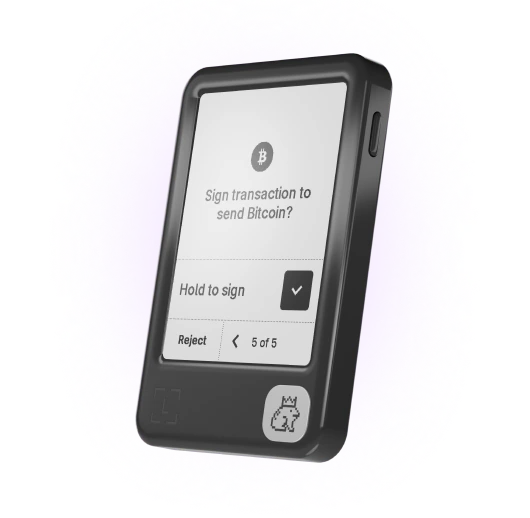
The fun, accessible way to manage your money, logins and digital life with clarity.
Security Check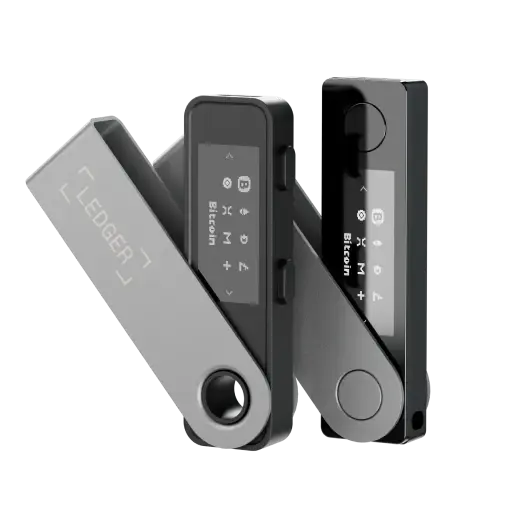
Reliable backup signers to swap, stake and HODL at home or on the go.
Security CheckBitcoin, Ethereum, Solana, XRP, stablecoins... you name it, it’s here.


“Security Check flagged an outdated firmware I had ignored for months. Updated on my signer in minutes — finally feel like my setup is clean again.”
“I almost connected to a fake Ledger Wallet lookalike. The check walked me through genuine device status and I stopped before making a mistake.”

“Clear status, clear next steps. No seed phrase asked — just confirmations on my Ledger. This is how security tools should work.”

“After a phishing scare I ran Security Check. It confirmed my device was genuine and showed what to tighten. Peace of mind in one flow.”

“I shared the check with my parents who use Ledger. They finished it alone — no panic, no confusion, just a green status and simple advice.”

“The site actually helped. I found a risky browser extension path and locked things down before anything bad happened.”

“Ran Security Check before a big transfer. Confirmed firmware and signer prompts were right. Transferred with confidence.”

“I thought my setup was fine. Security Check proved otherwise — one outdated app and a clearer backup plan later, I’m sorted.”


Send, receive, buy, trade, earn, and more* with live P&L insights, live market alerts, and 50+ top providers across 100+ chains via Ledger Wallet™
Discover the appFind answers to some of the most common questions.
Security Check is a guided review of your Ledger setup — device genuine status, firmware health, and safe next steps — so you know your baseline is solid.
It is designed to catch common risks early: outdated firmware, suspicious apps, and phishing patterns that target Ledger users.
You stay in control the whole time. Critical confirmations happen on your Ledger signer, not in the browser.
Connect your Ledger through Ledger Wallet™ and follow the on-screen checklist.
Each step explains what is being verified and what “good” looks like in plain language.
When an action is needed, you confirm it on the device screen — never by typing secrets into a website.
No. Ledger will never ask for the 24 words of your Secret Recovery Phrase on a website — and neither will Security Check.
Never enter your recovery phrase on any website, form, chat, email, or mobile app. The only place you type it is on your Ledger device screen when you restore access.
If a page claiming to be Ledger asks for your 24 words in the browser, stop immediately. That is phishing.
You’ll get clear next steps: update firmware, review connected apps, strengthen backups, or pause risky connections.
Recommendations are prioritized so you can fix the highest-impact issues first.
If you’re unsure, use official Ledger Support channels — never share your recovery phrase with anyone.
Yes. Security Check is built around verifying a real Ledger signer with Ledger Wallet™.
Without a device, you can still learn safe habits — but the full check requires confirming steps on your hardware wallet.
That on-device confirmation is what keeps the flow aligned with Ledger’s security model.
*Crypto transaction services are provided by third-party providers. Ledger provides no advice or recommendations on use of these third-party services.